Show who you teach and where you cover
Show who you are, what you teach, and where you cover before a learner sends a request.

Instructor workflow
Profiles, slot visibility, lesson requests, bookings, and linked learners stay connected instead of being scattered across separate admin steps.
Show who you are, what you teach, and where you cover before a learner sends a request.
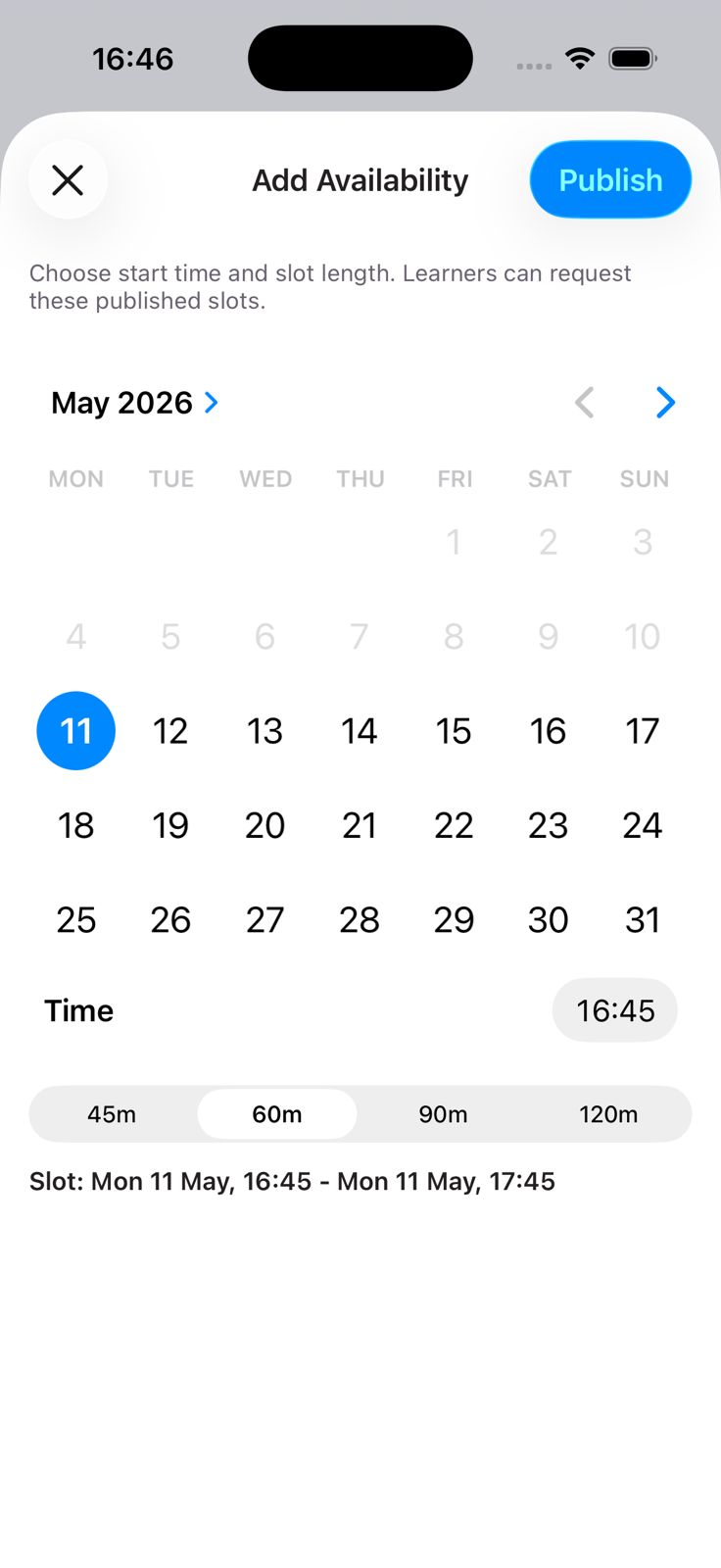
Publish your coverage area and availability where listing features are enabled.
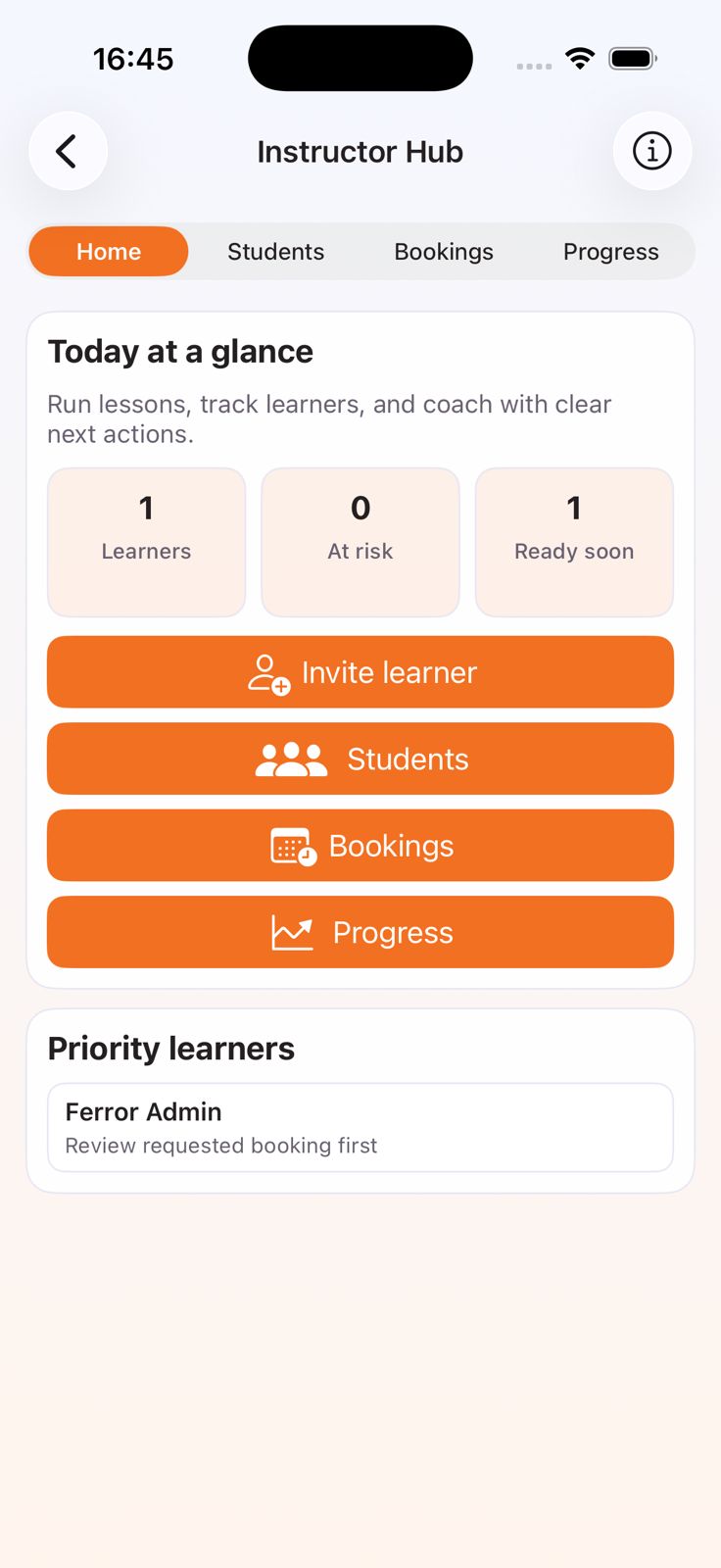
Link learners, track booking changes, and review readiness in one operational view.
One connected workflow
This should read like one operating flow, not four separate policy panels.
Show who you are, what you teach, and where you cover before a learner sends a request.
Publish your coverage area and availability where listing features are enabled.
Turn visibility into lesson requests where that flow is enabled.
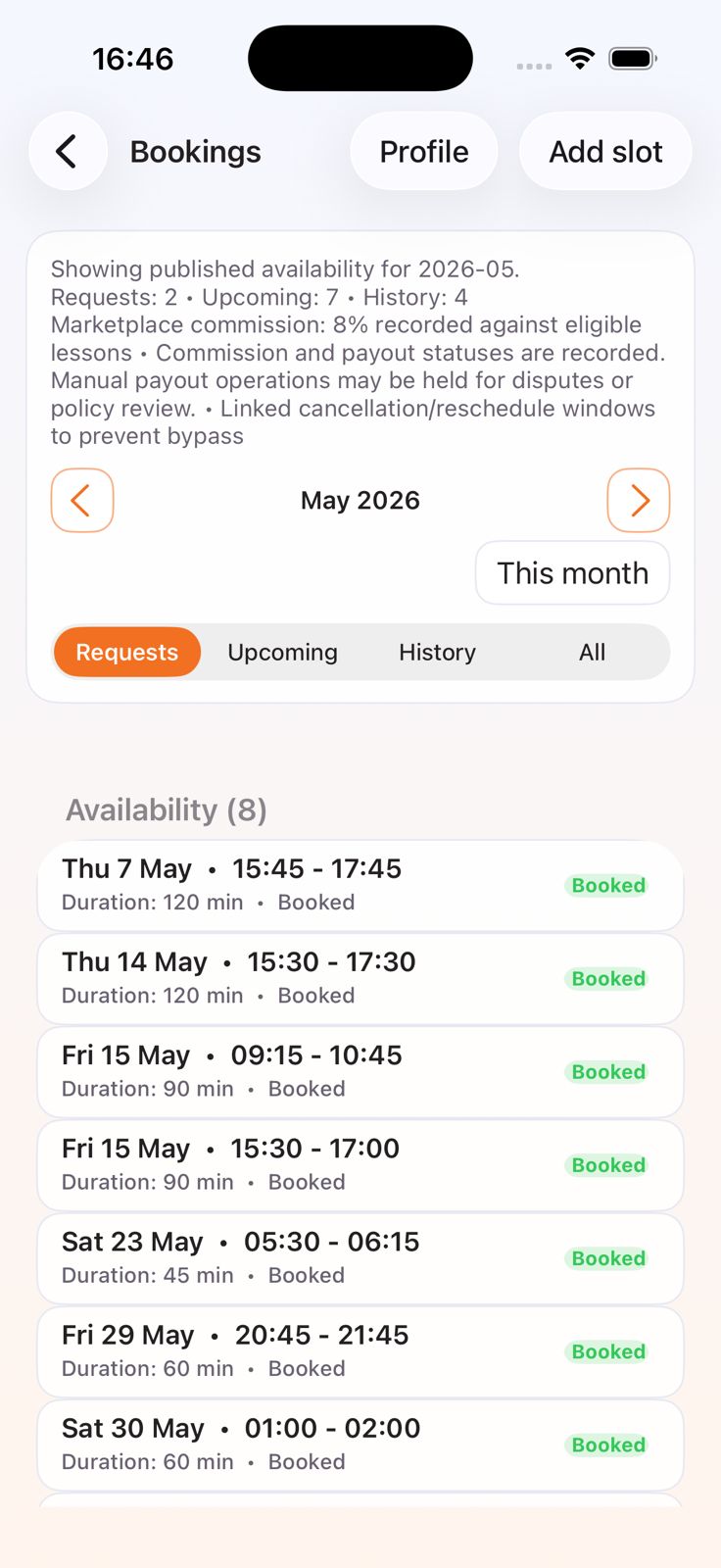
Keep booking history, payment visibility, linked learners, and progress context in the same workflow.
Discovery, requests, bookings, and progress stay tied to the same learner journey instead of splitting across separate tools.
Publish availability, manage requests, and keep follow-up cleaner.
Show who you are, what you teach, and where you cover before a learner sends a request.
Publish your coverage area and availability where listing features are enabled.
Keep learner context, progress, and readiness in one place.
Review booking changes, payment updates, and lesson history where enabled.
Move from instructor discovery into lesson activity without leaving the same app path.
Discover independent instructor profiles without leaving the app journey.
Use stated availability and lesson preferences to narrow down the right fit.
Turn discovery into a lesson request in the same platform.
Keep coaching context connected to the rest of the journey.
The public site should stay precise about supply, trust, and payments.
Learners can browse participating instructors and view stated availability where enabled.
Where enabled, instructor trust signals are tied to real Drivest activity rather than anonymous public ratings.
Independent instructors deliver the lessons. Where booking features are enabled, fees, payment handling, and cancellation terms are shown before confirmation.
Drivest supports role-based referral paths for learners and instructors.
Referral benefits remain conditional and subject to eligibility, verification, anti-fraud review, and reversal rules.
Instructor pages should stay neutral about local depth and availability unless the product can prove it.