Choose your route into Drivest
Learners and instructors start differently. Learners go into theory and practice; instructors get setup for profiles, availability, bookings, and Instructor Hub where enabled.
Two clear starting routes
Learners can start in the right language and stage. Instructors can set up a profile, availability, and learner management without extra admin.
Start with theory, signs, Highway Code, and mock tests, then move into practice routes and calmer driving help.
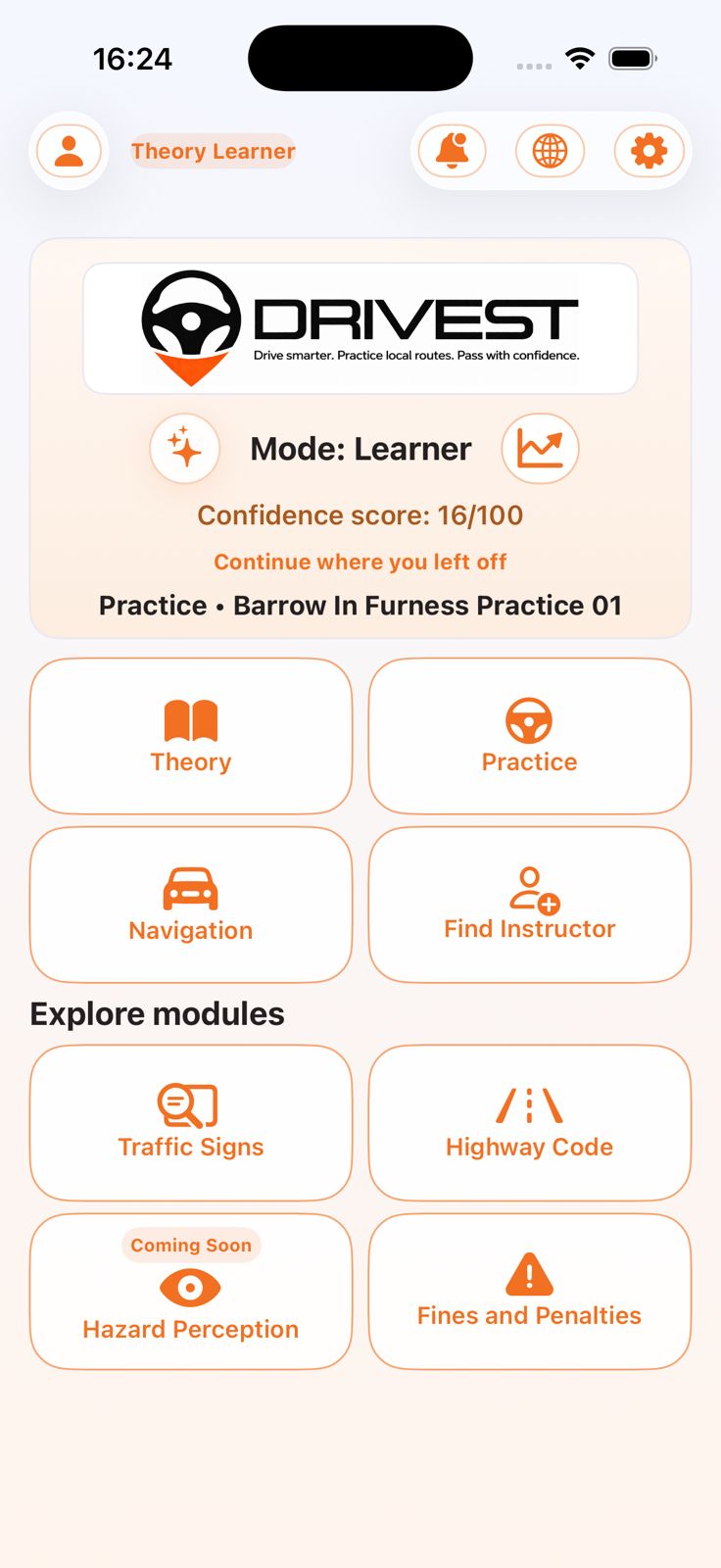
Choose your stage and preferred language in a few steps. Use English Peek whenever you want the English wording. Move from theory into practice routes and instructor search where enabled. Keep bookings, progress, and next steps in one app.
Use the instructor route to set up instructor information, availability, and Instructor Hub tools where enabled.
Create your profile and review onboarding requirements. Set your area and availability where listing is enabled. Handle lesson requests and booking updates where enabled. Link learners and review progress inside Instructor Hub where enabled.
32 supported languages with English Peek
Study in the language you understand best, then open English Peek when you want the English wording.
Arabic Welsh French Gujarati Kurdish Punjabi Urdu Vietnamese Simplified Chinese
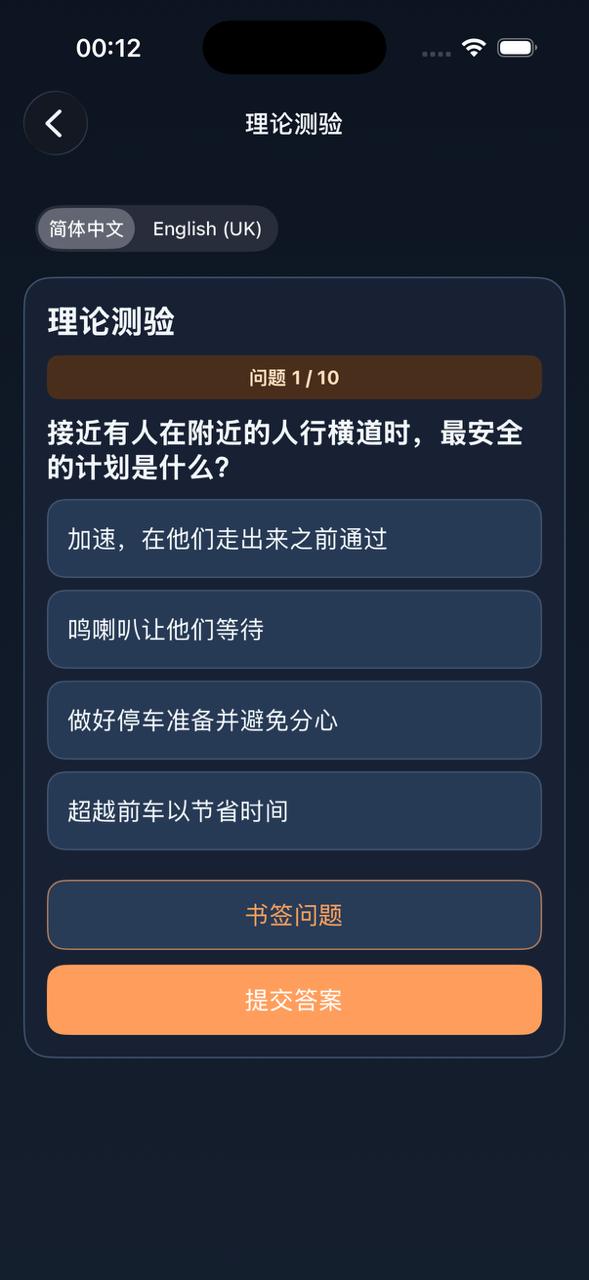
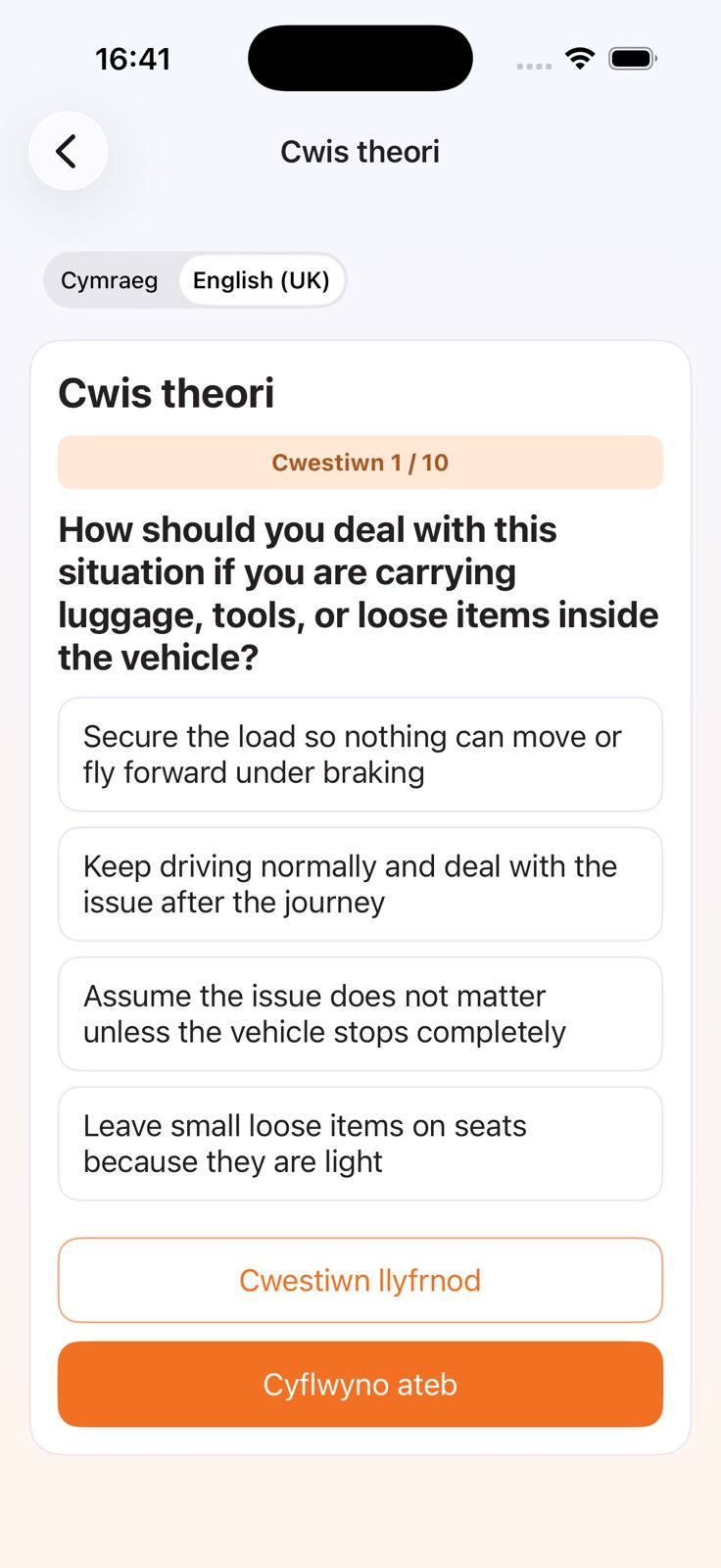
Theory question with English Peek
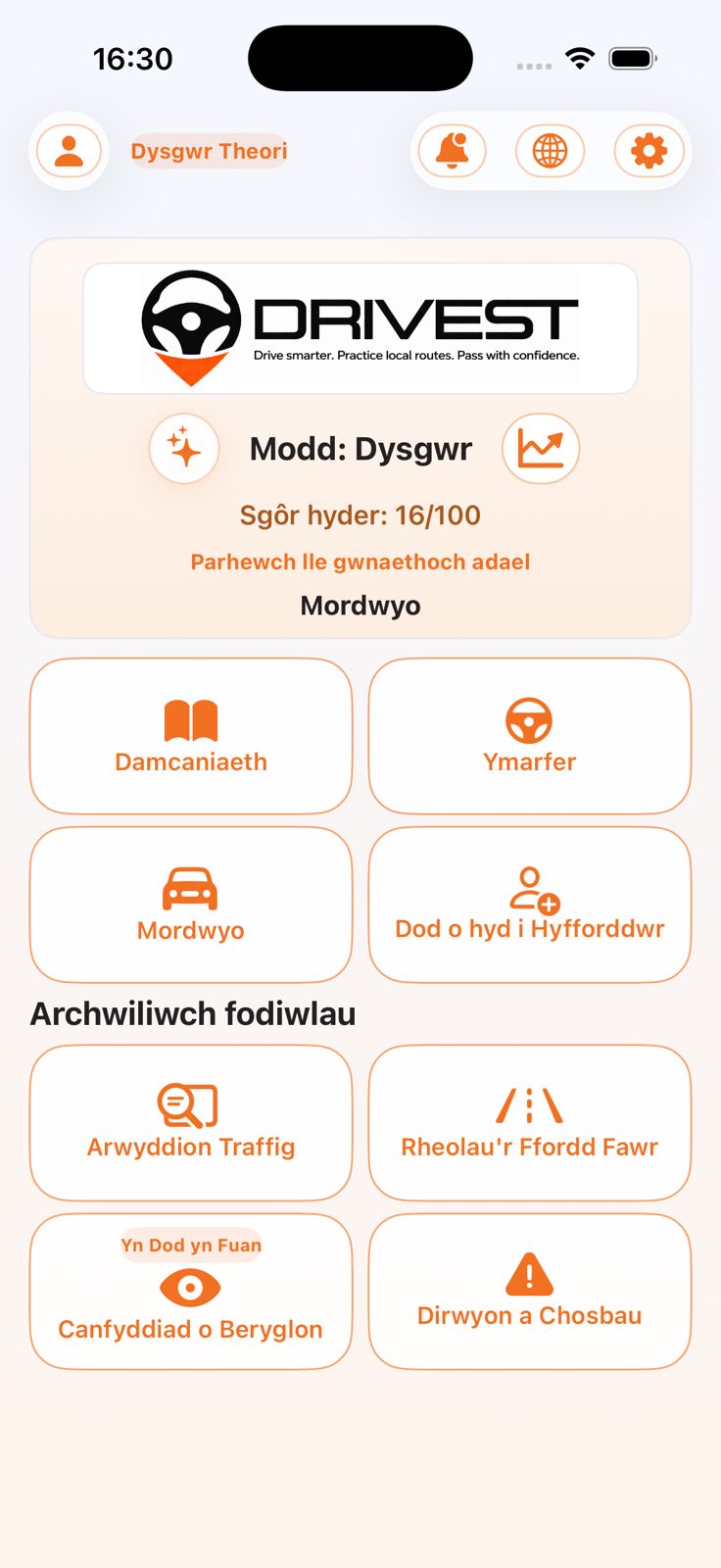
Welsh-translated home screen
English Peek inside theory flow
Users can study in a preferred language, including Welsh and Arabic, then open English Peek on the same question before answering.
Getting started
Choose learner preparation or instructor
Drivest onboarding reflects whether you are starting learner preparation, actively learning to drive, or running an independent instructor profile.
Pick your stage and language
Future learners and current learners choose their stage, language, and safety preferences before using theory, practice, or navigation features.
Study, practise, or request lessons
Use learning modules, selected-centre practice routes, instructor discovery, and lesson-request flows from the same platform where enabled.
Review progress and next steps
Analytics, readiness signals, booking updates, and confidence history help learners and instructors plan what comes next.
Built for learners and instructors
Drivest helps future learners start earlier, current learners stay clear, and instructors manage enquiries and linked learners where enabled.
For future learners and learners
Start before lessons, then move into local practice and calmer support at the right stage.
Start theory, signs, Highway Code, and fines before lessons Choose your stage and preferred language during onboarding Use mastery, quizzes, mock tests, and English Peek Request instructor support where learner-facing marketplace features are enabled Review progress, confidence, and next steps
For instructors
Set up instructor information, availability, and linked learner context without heavy admin.
Create a public profile and set availability where listing is enabled Handle lesson requests and booking updates where enabled Link learners and review progress from Instructor Hub where enabled Keep booking updates and learner context in one place